

Linking a Project
Before you can export, you need to link your Blender scene to a Shale project and asset. This is done from the Project tab in the Shale panel.
- In the Project tab, select your Organisation from the dropdown
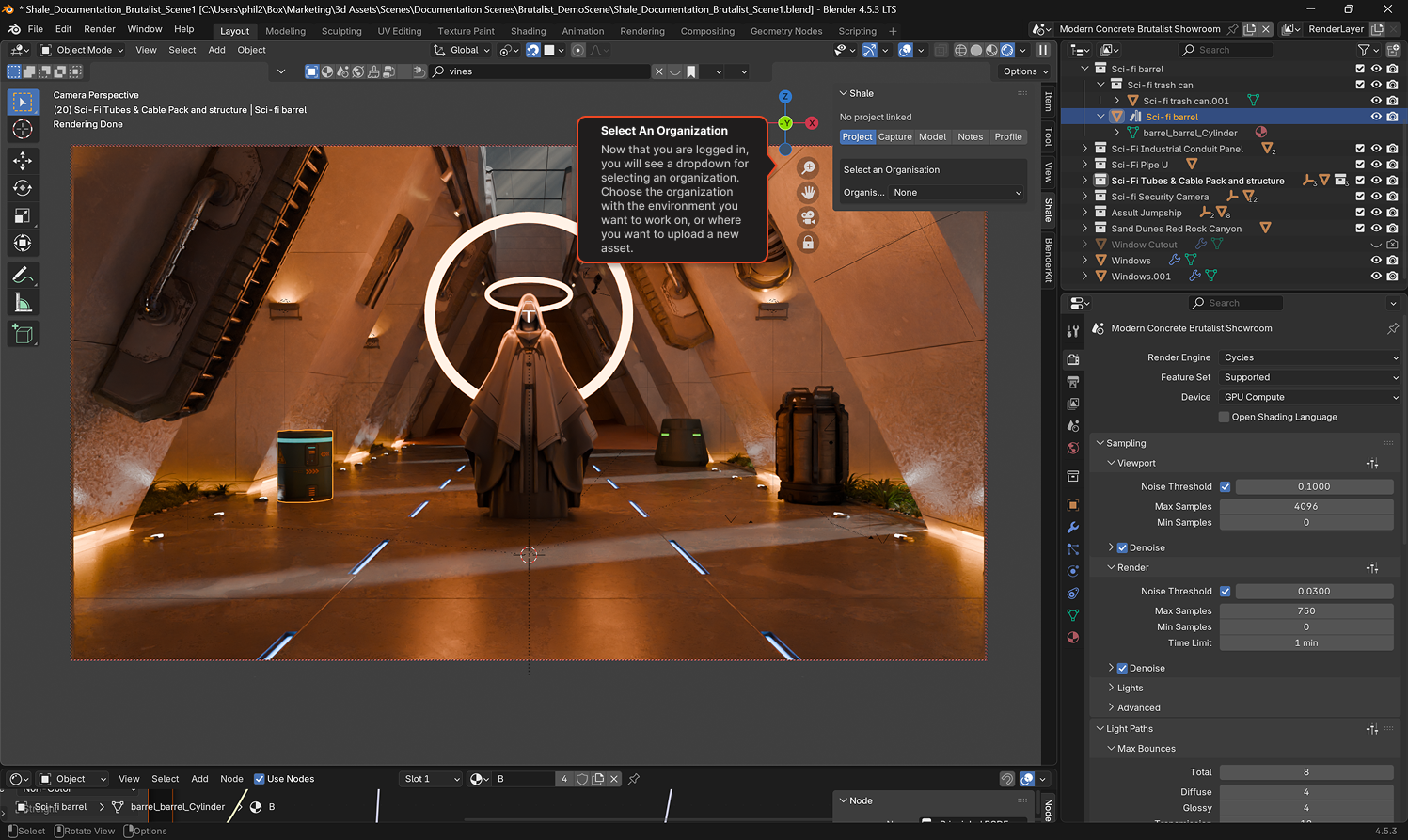
- Select a Project from the list — or click New Project to create one
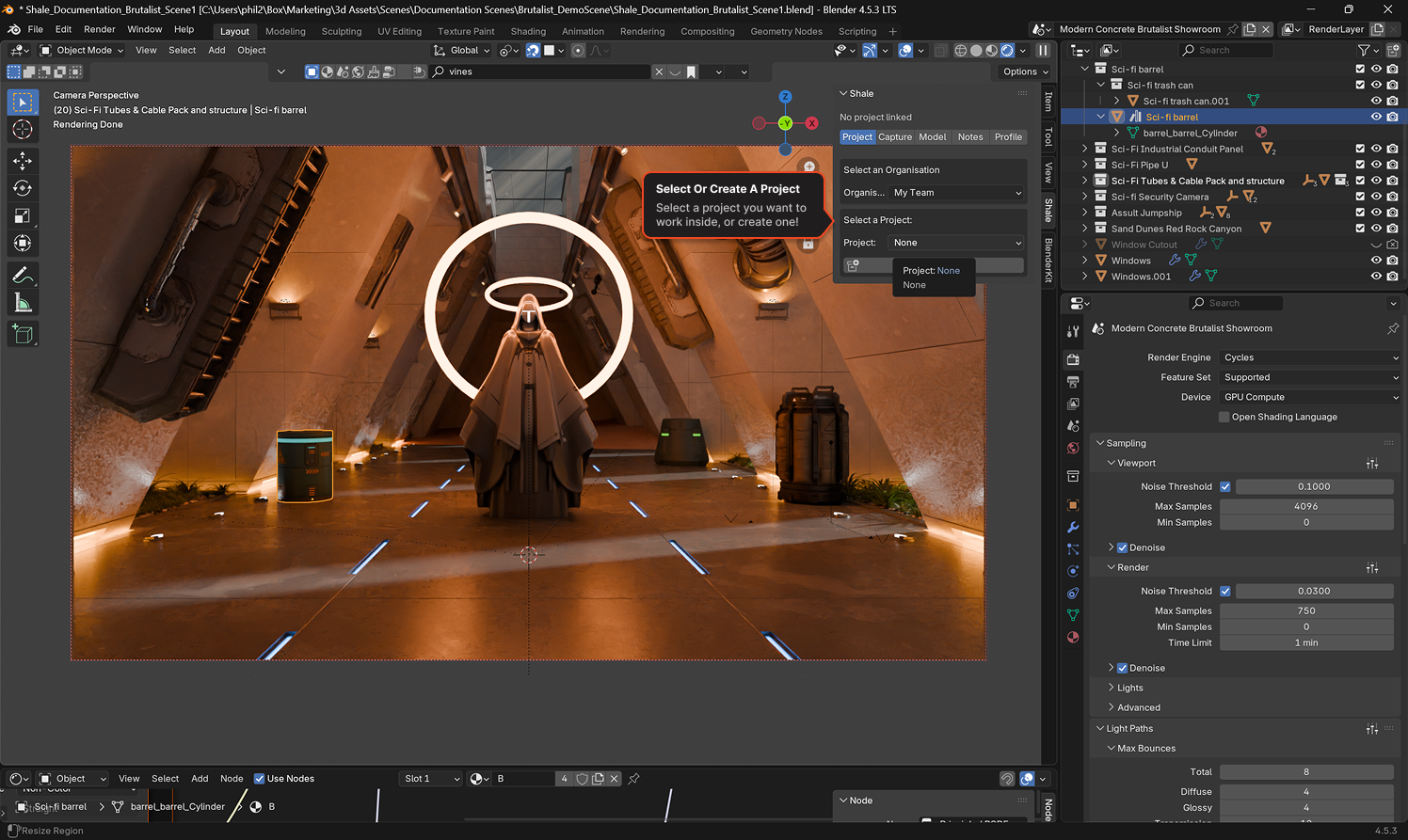
- Once a project is selected, choose an Asset — or click New Asset
- If creating a new asset, enter a name in the Shale Create Asset dialog and click OK
- Now click Link Asset
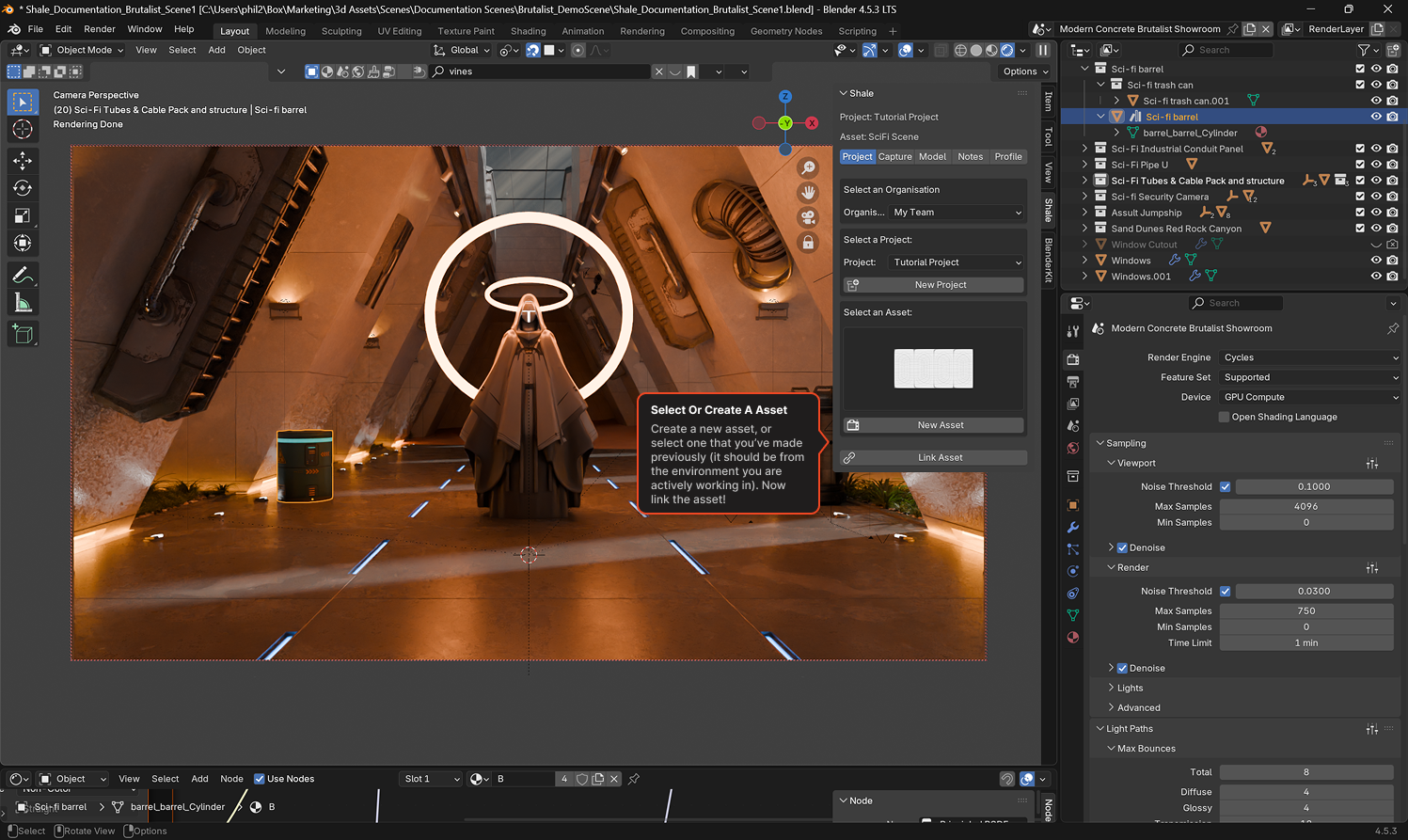
The panel header will update to show the linked project and asset name (e.g. Project: Tutorial Project / Asset: SciFi Scene).